
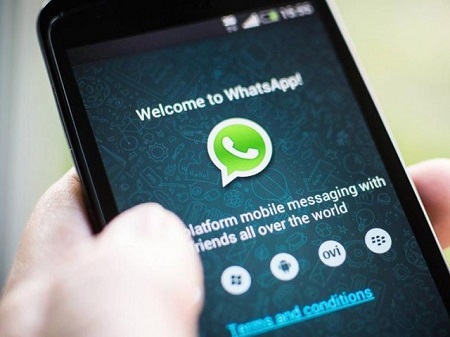
WhatsApp is a cross-platform instant messaging application that
allows smartphone users to exchange texts, images, videos and audio
messages for free.
It boasts of regular 1.5 billion users who it enables to send, archive, star and delete messages.
Here are ways to retrieve messages previously deleted on WhatsApp:
Restore WhatsApp Data from Google Drive Backup
If you have back up your WhatsApp messages with Google Drive, you can retrieve deleted messages on WhatsApp via the backup copy.
– Uninstall the WhatsApp on your device.
– Reinstall and sign into your account.
– You would be prompted with a message to restore your backup after
you open the reinstalled WhatsApp. Please tap “Restore”. And the job is
done!
NOTE: If you have never backed up before, you are not able to restore the data when it accidentally deletes.
Also, it doesn’t allow you to select recover the data selectively
and you need to restore the whole files on the backup copy, even some
which are useless.
Restoring from a local file
If you didn’t connect a Google Drive account to Whatsapp, there is
another way to restore messages from a local file. Here’s how to
retrieve deleted WhatsApp chat history from a local file:
– Open the SDcard/WhatsApp/databases folder in the file manager.
All chat backups are stored there. If there are no files, check the main
storage also.
– Select the file you want to restore from the list. (the format
should be msgstore-YYYY-MM-DD.1.db.crypt12.) Rename it to
msgstore.db.crypt12.
– Uninstall WhatsApp from your phone (if it is still on the phone)
and reinstall by downloading the latest version from Google Play.
– Specify the phone number you’ve used before during installing,


0 comments:
Post a Comment